
Image files can be written to your device’s boot media using a tool like balenaEtcher or Rasperry Pi Imager.
Raspberry Pi 4/400 5/500
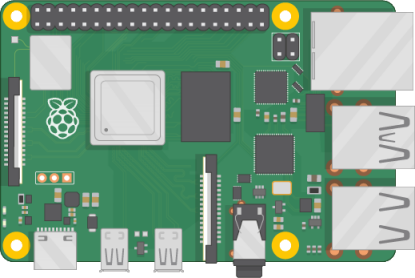
Image Files
Username: pi, password: raspberry
Updates
Version history
Version 3.1.0
- Re-added Zenity for Winetricks support
- Added libspa-0.2-bluetooth to improve bluetooth device compatibility
- Updated LightPad
- Updated iTwister Sur themes to iTwister XV
- Added Conky desktop widgets for iTwister XV themes
- Updated ThemeTwister
- Updated user account creation app
- Icon and wallpaper updates
- General housekeeping and cleanup work
Version 3.0.9
- iTwister, iTwister Sur, and Twister Plasma theme improvements
- Added sbin paths to system PATH variable for broader app compatibility
Version 3.0.8
- Added DOSBox, Galculator, and Raspberry Pi Diagnostics applications
- Added additional color emoji support
- Removed application shortcut overrides that were no longer necessary
- Further Twister 11 theme improvements
- Updated user account creation app
- Updated Pi-Apps installer to recognize pre-installed applications in Twister OS
Version 3.0.7
- Added mouse cursors for Twister Plasma themes
- Updated ThemeTwister
- Moved software installers to centralized location
- Updated user account creation app
Version 3.0.6
- Twister 11 theme improvements
- Added Twister OS Diagnostics app
Version 3.0.5
- Added Twister Plasma themes
- Updated user account creation app
- Moved user account creation template files to centralized location
- Updated ThemeTwister app
- Updated Onboarding app
Version 3.0.4
- Icon and wallpaper updates
Version 3.0.3
- Added an app to create new OS user accounts that are Twister-compatible
- Improved ThemeTwister wallpaper support for dual displays
- Added Twister OS v3.0 Patcher app
- Reverted Mesa driver package to version 23.2.1 to address performance problems with v24.2.8
- Updated login screen
- Added stock user profile pictures
Updates are automatic from version 3.0.3 onward via the Twister OS Patcher app
Rock Pi 4B/4C (RK3399)

Image Files
Username: pi, password: asdasd
Odroid N2/N2+
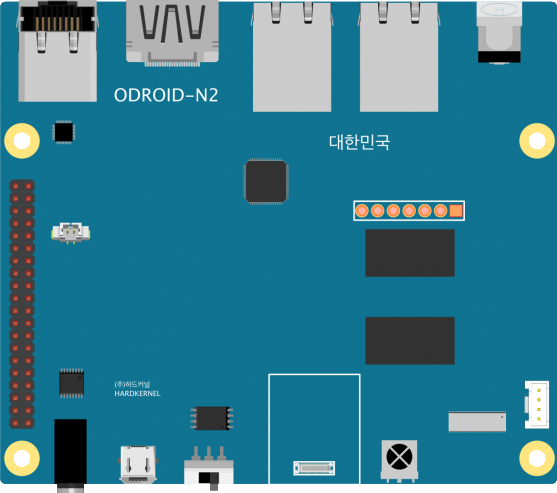
Image Files
Username: pi, password: asdasd
PC
Installation Files (for Linux Mint Xfce or Xubuntu)
Twister UI installation instructions
- Please back up your system prior to installing!
- Download and install the 64-bit version of either Linux Mint Xfce or Xubuntu
- Download and run the Twister UI installer file. DO NOT run as root or sudo. Install with your normal user account. Running as root or with sudo will break the install process.
- When using Linux Mint Xfce, you will need to make changes to the following settings after the Twister UI installation has been completed:
– In “Application Menu -> Settings -> Desktop,” under the “Icons” tab, uncheck “Use custom font size”
– In “Application Menu -> Settings -> Window Manager Tweaks,” under the “Compositor” tab, uncheck “Show shadows under dock windows”
 Twister OS by Pi Labs